I wanted to run Phi-3 locally on my NixOS system, as I was eager to leverage a lightweight, open-source large language model. Phi-3, developed by Microsoft, comes in two variants: the 3B model (Mini) and the 14B model (Medium). These models are designed to be high-performing yet efficient, making them ideal for local deployments on systems like mine. You can find more information about Phi-3 on Ollama's website.
Installing Ollama
To begin, I needed to install Ollama, a tool for managing and running models like Phi-3 locally. I navigated to the NixOS package search for Ollama, located here: NixOS Ollama Search. There, I found that Ollama was available, so I proceeded with a temporary installation using the following command:
nix-shell -p ollama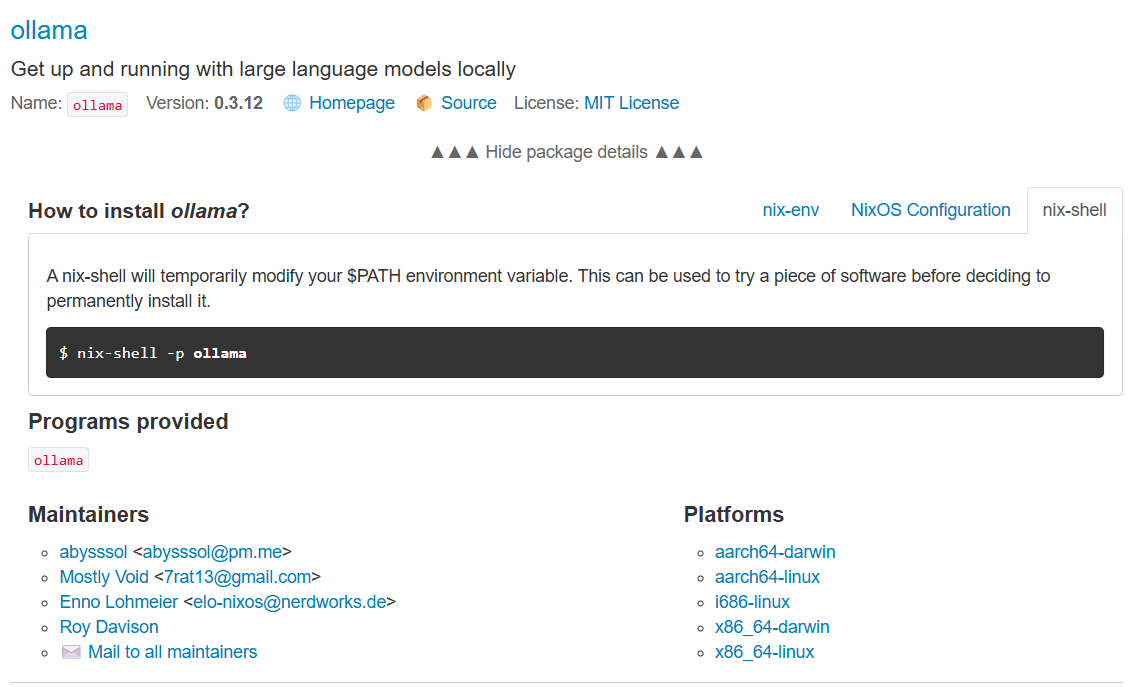
This allowed me to install Ollama on the fly without permanently altering my system configuration, a feature of NixOS that allows for flexible and reproducible environments.
Checking Available Commands
Once installed, I checked the available commands by typing the following in the terminal:
ollama --help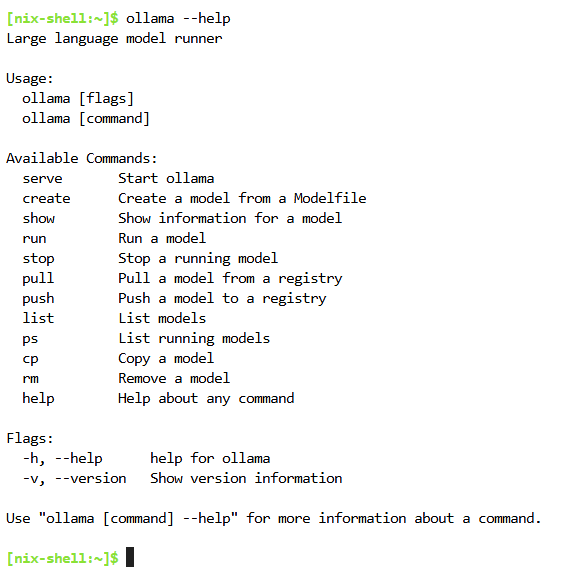
Starting the Ollama Model Server
This displayed a list of commands for interacting with Ollama, including how to start the model server and run various tasks. To initialize the Ollama model server, I typed:
ollama serve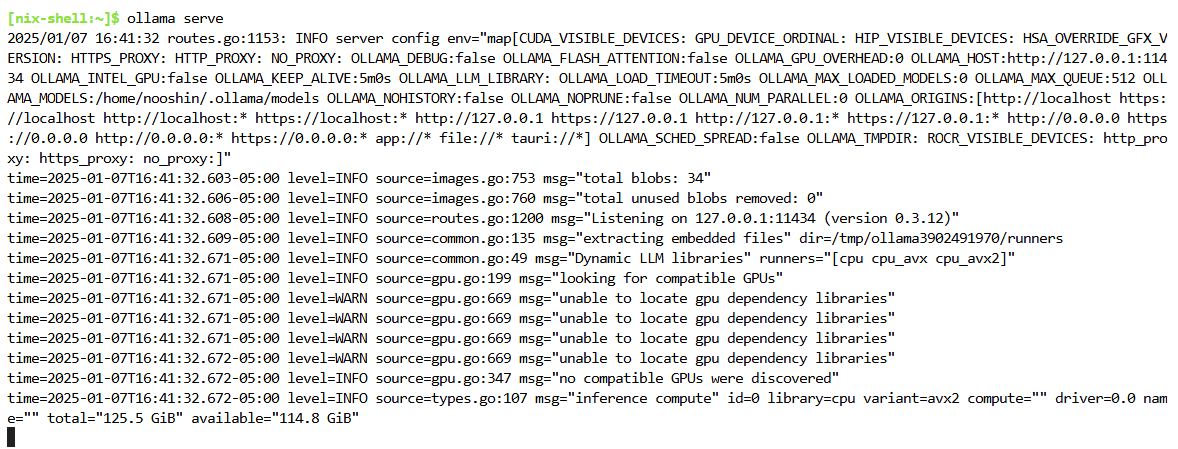
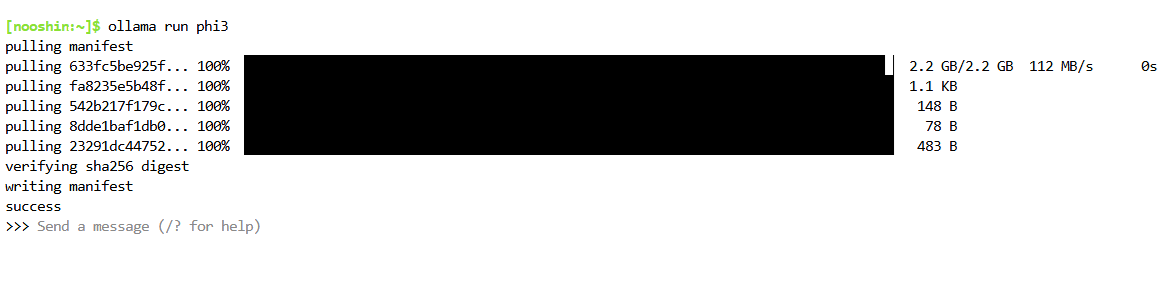
The server started successfully, which allowed me to interact with the models it supported. In a separate terminal window, I initiated the Phi-3 model by running:
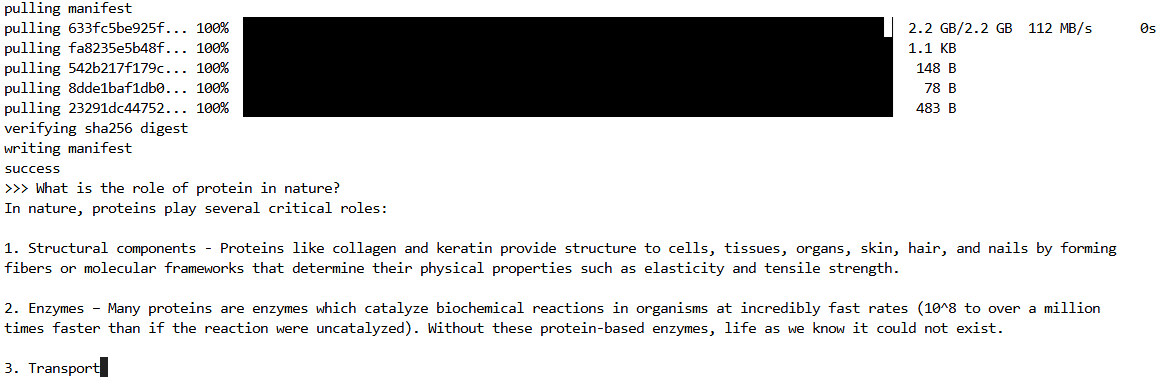
ollama run phiAt this point, Ollama prompted me with "Send a message (/? for help)", signaling that it was ready for queries.
Testing Phi-3's Natural Language Processing
I took the opportunity to ask Phi-3, "What is the role of protein in nature?" to test its natural language processing capabilities. It began answering my question.
Conclusion
This setup was straightforward and demonstrated the ease with which I could deploy and interact with large language models on NixOS.