This document walks you through the process of interacting with web elements using Selenium in a Python environment. In this case, I used Selenium to automate a Google search and verify the results.
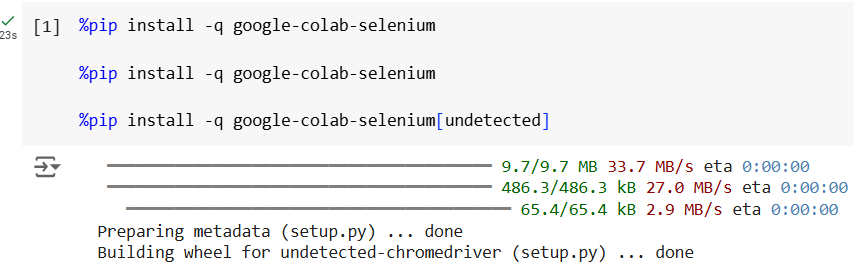
First, I set up a simple Selenium test environment by importing the necessary libraries. I used unittest for testing, By and Keys for locating and interacting with elements, and a custom library google_colab_selenium for browser automation.
Next, I created a test class called GoogleSearchTest with a setup method to initialize the Chrome driver. The UndetectedChrome method from the custom library was used to prevent detection issues that might arise when using Selenium in environments like Google Colab.
The test_search_selenium method automates the process of searching for the term "Selenium" on Google. Here’s a breakdown of the steps:
- Open the Google homepage using
self.driver.get("https://www.google.com/"). - Find the search bar element by its
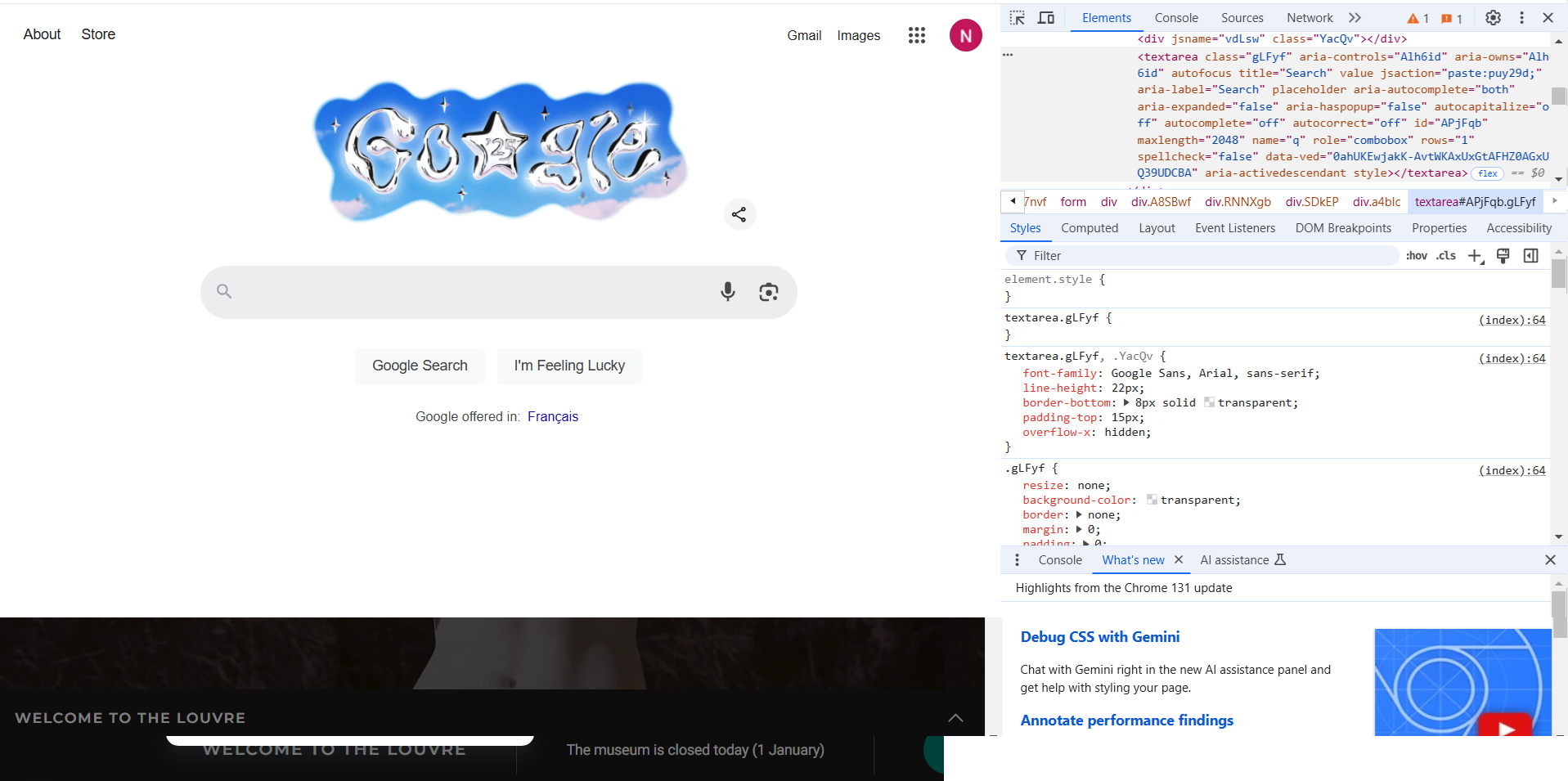
nameattribute:self.driver.find_element(By.NAME, "q"). - Send the search term followed by pressing the
Enterkey:send_keys("Selenium" + Keys.ENTER). - Wait for 2 seconds to allow the search results to load.
- Verify the first search result contains the word "Selenium".
import unittest
from selenium.webdriver.common.by import By
from selenium.webdriver.common.keys import Keys
import google_colab_selenium as gs
import time

class GoogleSearchTest(unittest.TestCase):
    def setUp(self):
        """Set up the test environment."""
        self.driver = gs.UndetectedChrome()

    def test_search_selenium(self):
        """Test that searching for 'Selenium' on Google works."""
        self.driver.get("https://www.google.com/")
        search_bar = self.driver.find_element(By.NAME, "q")
        search_bar.send_keys("Selenium" + Keys.ENTER)
        time.sleep(2)
        first_result = self.driver.find_element(By.CSS_SELECTOR, "h3")
        print(f"First search result text: {first_result.text}")
        self.assertIn("Selenium", first_result.text, "Selenium not found in the first result")

    def tearDown(self):
        """Clean up after the test."""
        self.driver.quit()

def run_tests():
    unittest.TextTestRunner().run(unittest.TestLoader().loadTestsFromTestCase(GoogleSearchTest))

run_tests()
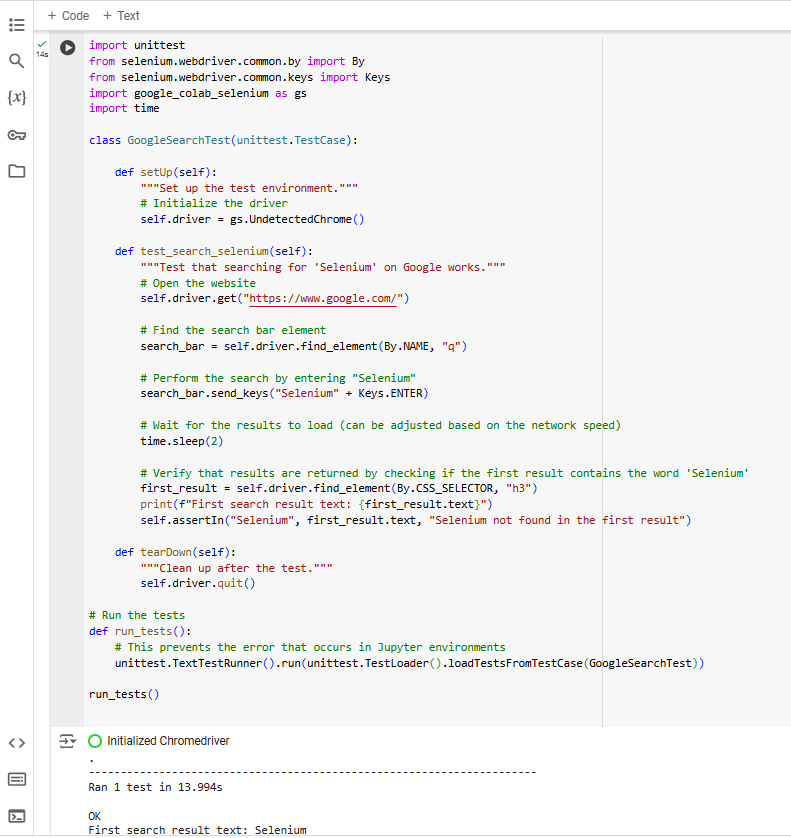
Finally, I included a tearDown method to close the browser after the test execution. I ran the test using the unittest.TextTestRunner() method. Below is the final result after running the test:
Here is the link to the Colab Notebook for further exploration: