In this guide, I will walk you through the process of getting Podman up and running on NixOS.
I first came across containers when I needed a way to run applications in isolated environments. Containers made it easy to avoid issues like conflicting libraries or unsatisfied dependencies. Essentially, containers offered a smart way to ensure applications and their dependencies could coexist without causing problems on the same host.
What I found interesting about containers is how they use images. These images are like pre-packaged environments that I can download and use to run a container. The images come from registries, which are repositories that store image data. Some of the most popular registries are quay.io and docker.io.
Building these images requires a Dockerfile, a text file that outlines the steps to assemble the image. The process starts with writing the Dockerfile, then building the image, pushing it to a registry, and finally pulling it to use. The cool part is that when I build my own image, it’s self-consistent—meaning it can run on any system without needing to worry about missing dependencies.
Containers don’t store data, but they give me a consistent environment to run applications. For storage, I can use volumes, which are external locations linked to my containers.
One thing that became clear to me was the portability of containers. Since all the application’s dependencies are packaged together, containers can easily be moved across systems. This portability is one reason why companies are shifting away from virtual machines to containers for their applications. In fact, many modern DevOps workflows use containers in CI/CD pipelines to speed up application development and deployment.
Podman, similar to Docker, provides a way to interact with containers. It allows me to create, manage, and run containers with ease.
To install Podman on NixOS, you can follow these steps:
Here is the link to the Podman package on NixOS: Podman package details.
To search for Podman in the NixOS packages, use the following link:
Search Podman in NixOS Packages
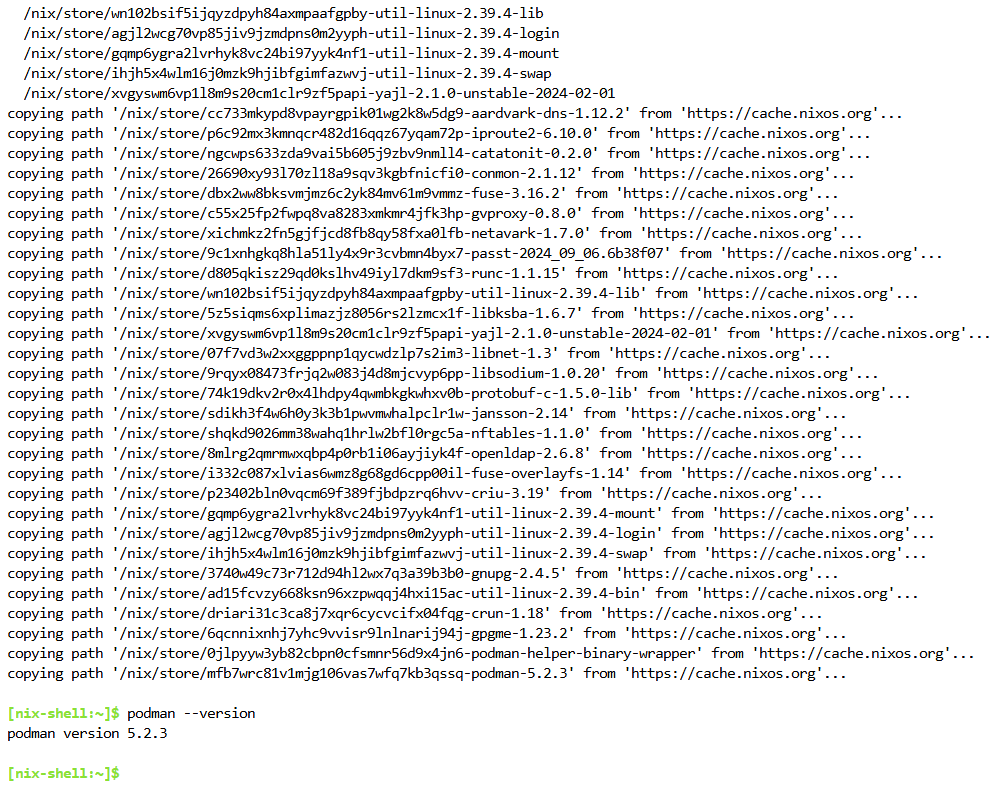
To temporarily install Podman in your NixOS environment, use the following command:
nix-shell -p podman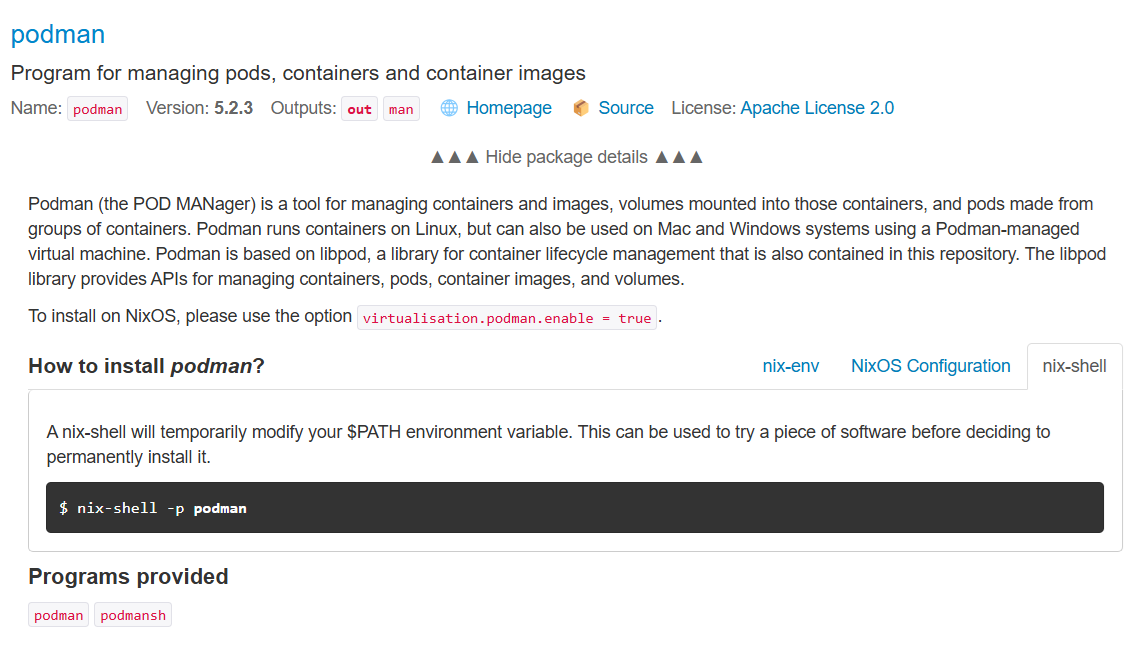
One of the first things I had to understand was how Podman searches for container images. These images are like packages that contain everything needed to run a container, including software and dependencies.
Podman looks for these images in certain places called container registries. Registries are online locations where container images are stored, like Docker Hub, for example. By default, Podman searches a list of trusted registries for images to download and use. These registries include:
- registry.fedoraproject.org
- registry.access.redhat.com
- docker.io
- quay.io
I found out that I could customize this list by editing a configuration file located at /etc/containers/registries.conf. This file lets me add or remove registries, giving me the flexibility to pull images from different locations if needed. It was easy to modify the file and set up Podman to search additional registries or remove ones I didn’t need.
After configuring Podman, I had a fully working environment where it could automatically search the right places for images.